App Update Problems, Rummy Nabob
app update problems: what Indian rummy nabob players need to know before they start, in plain language.
What is App Update Problems?
App update problems on Rummy Nabob refer to errors, interruptions, or failures that occur when you try to download or install the latest APK from rummynabobapp.org. Because Rummy Nabob is not listed on the Google Play Store, every update requires a manual APK download, meaning automatic updates do not apply and each release must be installed by hand.
The most frequent issues players report include downloads stalling at 0%, Android blocking installation with a security prompt, "Parse error" or "Package conflict" messages, and the old version of Rummy Nabob continuing to open even after a new APK was installed. Identifying the exact error message is critical, because a download failure and an installation block require completely different fixes.
How App Update Problems Works
When you tap the update link on rummynabobapp.org, your browser streams the Rummy Nabob APK to your device's Downloads folder. A weak or intermittent connection causes the stream to drop, producing an incomplete file that Android's package installer rejects with a parse error. Always use a stable Wi-Fi connection and keep the screen active during the download.
Android 8 and above enforces a per-source "Install unknown apps" permission. If this permission was granted originally but your browser app was later updated or reset, Android blocks the new APK at the installation stage. Navigate to Settings → Apps → [your browser] → Install unknown apps and re-enable the toggle before retrying.
After a successful install, Rummy Nabob migrates your wallet balance and game history from the old version's cache to the new build. Force-closing the app during this 15 to 30 second window interrupts migration and can leave the app in a broken state, let the launch screen complete fully before navigating away.
App Update Problems for New Players
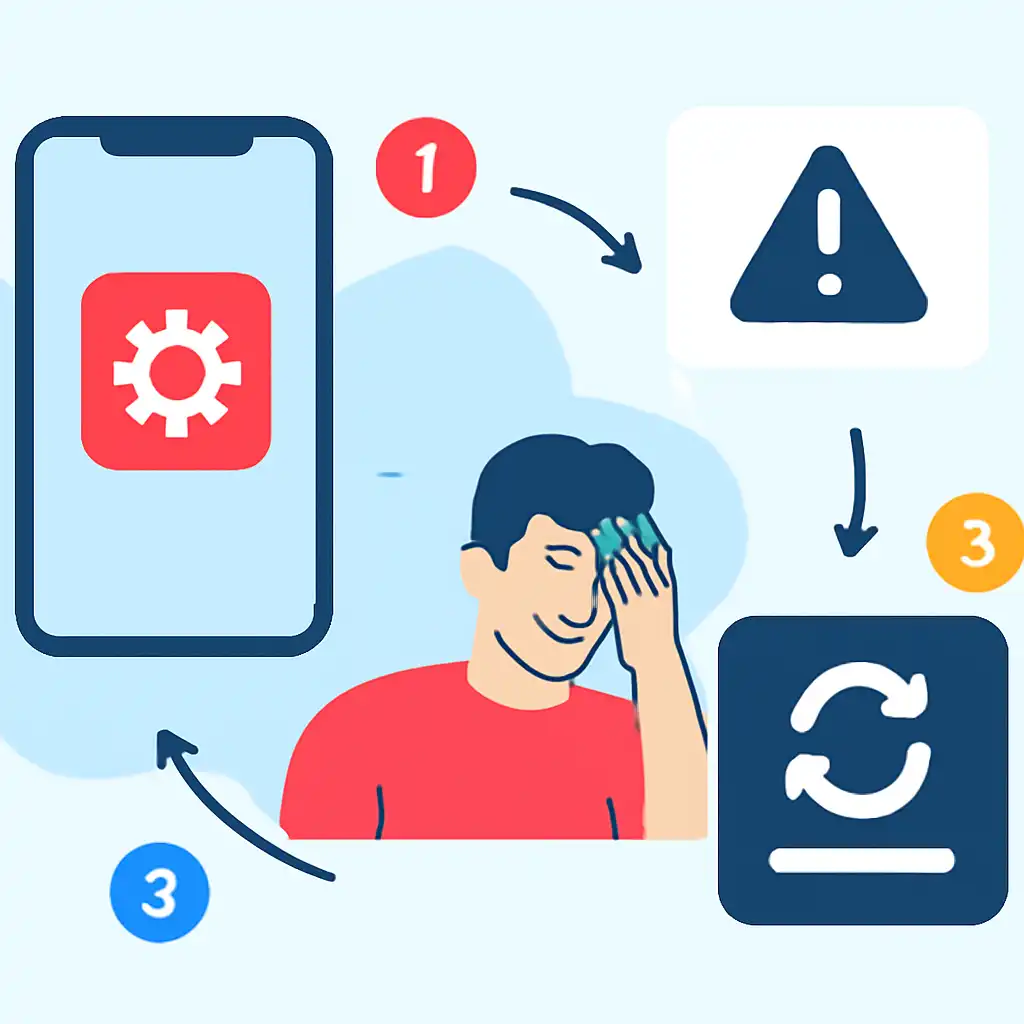
If you are new to Rummy Nabob, confirm you are always downloading from the genuine official platform. Third-party mirror sites carry outdated or modified APKs that produce signature-mismatch errors and will never install cleanly over the genuine app.
New players often have tighter storage on entry-level devices. The Rummy Nabob update needs free space for both the incoming APK and the installer's temporary files, clear at least 100 MB before starting via Settings → Storage → Free up space. If you see "App not installed" on your first attempt, uninstall any previous Rummy Nabob version completely, restart the device, then download a fresh copy of the APK to eliminate leftover signature conflicts.
App Update Problems Tips and FAQs
Tip, always clear the old APK from Downloads: After installing, delete the APK file from your Downloads folder. Keeping multiple APK versions confuses the installer the next time you update and can trigger false "package conflict" warnings on Rummy Nabob.
FAQ: Why does my Rummy Nabob balance disappear after an update? This happens when the new build cannot read the old cache, usually because the install was interrupted. Uninstall, reinstall the latest APK from rummynabobapp.org, then contact Rummy Nabob support with your registered mobile number, balances are recoverable from server records. FAQ: How often does Rummy Nabob release updates? Minor patches drop roughly every two to three weeks; major feature releases are monthly. Enable browser notifications on rummynabobapp.org so you are alerted the moment a new APK is available and avoid playing on an outdated build that may lose server compatibility.