UPI Deposits, Rummy Nabob
Clear answers on upi deposits for rummy nabob, checked against the live platform and updated when it changes.
What is UPI Deposits?
UPI (Unified Payments Interface) deposits on Rummy Nabob let you fund your game wallet instantly using any UPI-enabled app, GPay, PhonePe, Paytm, or BHIM, without entering card numbers or net-banking credentials. The NPCI processes each transfer in real time, so your Rummy Nabob balance updates within seconds of approval.
When you select UPI at the Rummy Nabob cashier, you either scan a dynamic QR code or pay via UPI intent directly to the platform's Virtual Payment Address. Your bank authenticates the transaction with your 4- or 6-digit UPI PIN. No card data is stored on any third-party server, making it the most secure deposit method available on the platform.
Why Rummy Nabob Players Prefer UPI
- Zero deposit fees: Rummy Nabob charges no processing fee on UPI transfers.
- ₹100 minimum deposit, join a cash table without committing a large sum upfront.
- 24 × 7 availability: UPI rails run on all days, including bank holidays.
UPI Deposits Tips and FAQs
Tip 1, Link multiple UPI apps as backups. If GPay encounters a server error during peak hours, switch to PhonePe or BHIM without re-entering any details. Keep at least two apps active on your device. Tip 2, Use Collect Request mode. Rummy Nabob can push a collect request to your UPI app; simply approve it with your PIN and skip manual amount entry entirely, eliminating misentry errors. Tip 3, Raise your UPI daily limit. Some banks default to a low cap; increase it inside your banking app before joining a high-stakes rummy table.
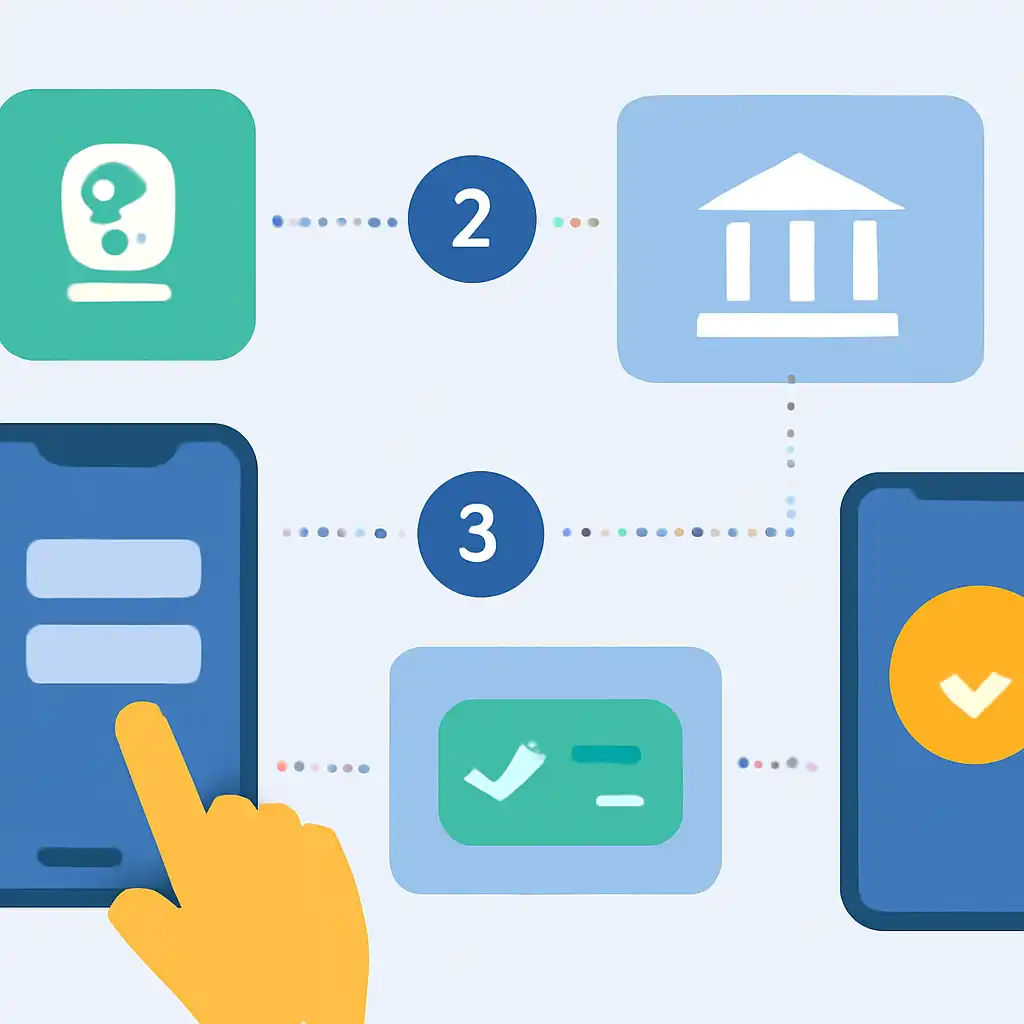
FAQ: How long does a UPI deposit take? Under normal conditions, credits appear in your Rummy Nabob wallet within 5 to 10 seconds. If the amount is debited but your wallet does not update within 10 minutes, tap Help → Raise Ticket with your UTR number, support resolves most cases within one hour. FAQ: Is there a deposit cap? NPCI limits a single UPI transaction to ₹1,00,000. For larger amounts, Rummy Nabob also accepts net-banking.
UPI Deposits on Mobile
The entire UPI deposit flow on Rummy Nabob is optimised for Android and iOS. Open the app, tap Add Cash, select UPI, and enter your amount. A dynamic QR code valid for 10 minutes appears on screen. Open your preferred UPI app, scan the code, confirm the payee name reads Rummy Nabob, enter your PIN, and your balance refreshes before the lobby reloads.
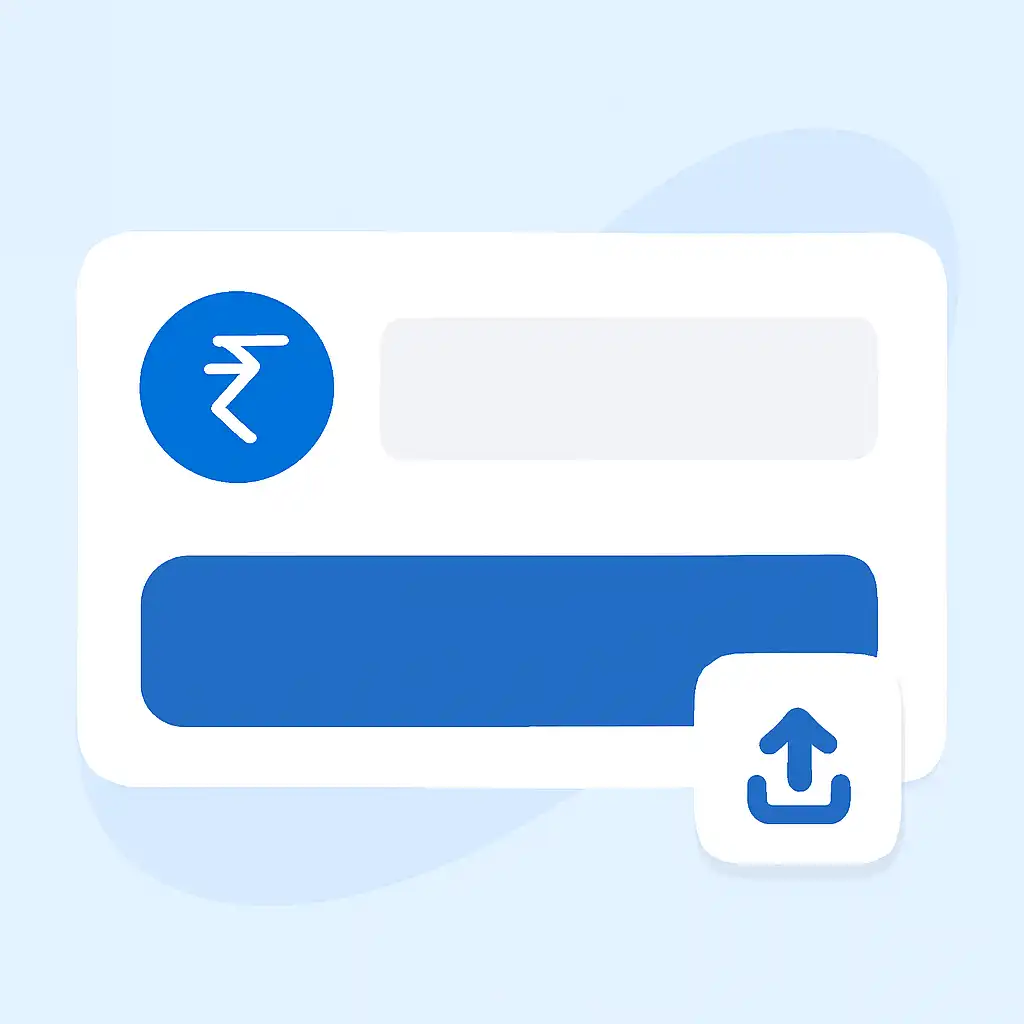
On Android, Rummy Nabob supports UPI Intent, tapping Pay via UPI App opens a native bottom sheet listing your installed UPI apps, skipping the QR step entirely. This three-tap path is the fastest way to deposit on mobile. Keep your UPI app updated to its latest version; outdated app signatures are the most common cause of intent-handoff failures.