Android APK Install, Rummy Nabob
Clear answers on android apk install for rummy nabob, checked against the live platform and updated when it changes.
What is Android APK Install?
An Android APK install is the process of loading an app onto your Android device directly from an APK (Android Package Kit) file, bypassing the Google Play Store entirely. APK is Android's native packaging format, every app running on your device is ultimately an APK, whether it came from the Play Store or was sideloaded manually.
For Rummy Nabob, the APK install route is the only supported method. Google Play restricts real-money card-game apps from public listings in India, so Rummy Nabob distributes its official client exclusively through its own official website. This is standard practice among licensed rummy platforms operating in the country.
The Rummy Nabob APK is signed with the developer's certificate and hosted on the official domain, so you can verify its authenticity before tapping install. Downloading from any third-party mirror carries serious risk, always use the official site.
Android APK Install on Mobile
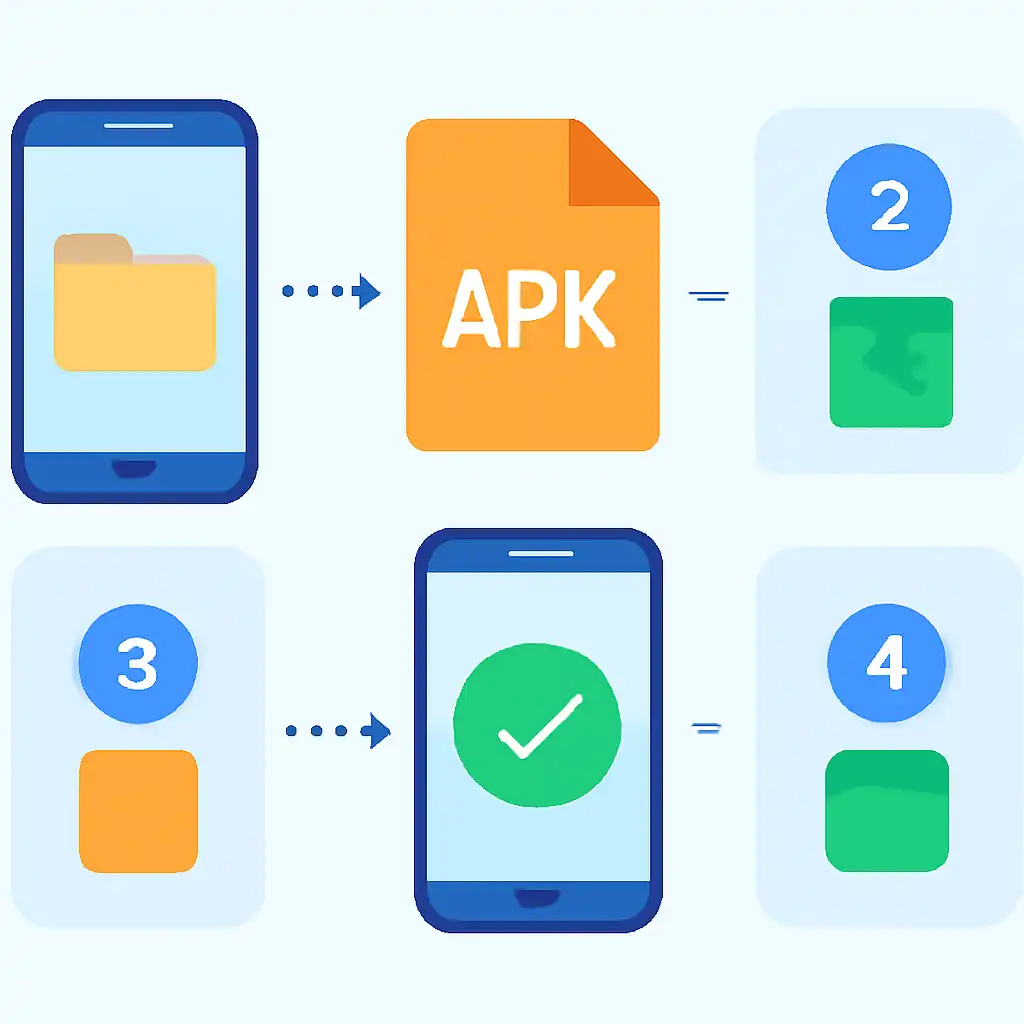
The full Rummy Nabob Android APK install takes under three minutes. Open Chrome on your Android phone, visit rummynabobapp.org, and tap Download APK. If Chrome displays a generic "this file type can harm your device" warning, tap Download anyway: that prompt appears for every APK regardless of source.
Once the file lands in your Downloads folder, tap it to launch the system installer. Android 8 and above will ask you to permit installs from your browser, tap Settings → Allow from this source, then return and tap Install. On Android 7 and below, enable Settings → Security → Unknown Sources before starting the download. Installation completes in 15 to 20 seconds; tap Open to register or log in instantly.
Minimum requirements are Android 5.0 or higher, 2 GB RAM, and approximately 100 MB of free storage. Meeting these ensures smooth gameplay with no lag during high-stakes rummy hands.
Android APK Install Tips and FAQs
Is the Rummy Nabob APK safe? Yes, provided you download exclusively from rummynabobapp.org. The file is digitally signed; your device will automatically reject any tampered copy. After a successful install, revoke the "unknown sources" permission for your browser under Settings → Apps → Special app access to tighten security going forward.
Install button greyed out? This typically means the "Allow from this source" toggle is off for the app you used to open the APK. Navigate to Settings → Apps → Special app access → Install unknown apps, locate your file manager or browser, and enable it. Also confirm you have at least 100 MB free, a full storage partition silently blocks installation on many devices.
Updating the app: Revisit rummynabobapp.org, download the latest APK, and install it directly over the existing version. Your account data and wallet balance are stored server-side and remain completely intact across updates.